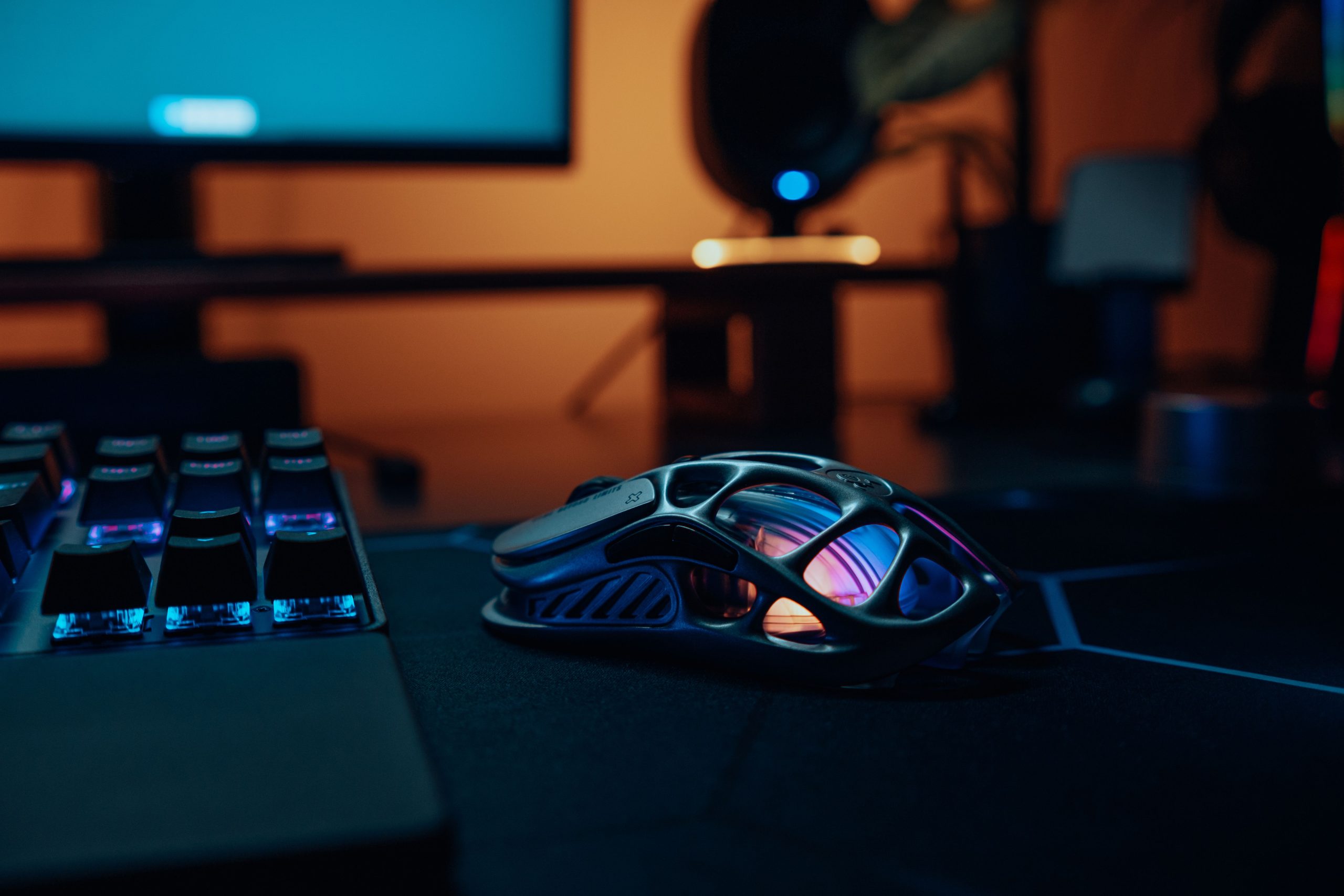
For more than a decade, the answer to “wired or wireless?” was treated as settled. Wired was for people who were serious about winning. Wireless was for people who liked tidy desks. That reputation was earned honestly: early 2.4 GHz mice really did add noticeable delay, dropped packets in crowded rooms, and felt sluggish in fast shooters.
That era is over, and most of the advice still floating around online is describing hardware from 2014. If you are choosing a mouse in 2026, the useful question is no longer “wired or wireless” but “how much latency exists in my whole setup, and which part of it is actually worth fixing?”
This guide breaks down what motion latency is, where it comes from, how large the wired-versus-wireless gap really is today, and whether any of it is something a human being can feel.
The short answer
At the flagship level, the latency difference between a good wired gaming mouse and a good wireless gaming mouse is somewhere between zero and roughly one millisecond. Independent testing repeatedly puts modern 2.4 GHz gaming mice in the same range as wired models, and some wireless mice measure faster than wired competitors because their internal pipeline is better engineered, not because of the cable.
Meanwhile, your monitor, your frame rate, and your network connection are adding tens of milliseconds. The mouse is almost never the bottleneck.
The one real exception is cheap wireless. A $25 wireless office mouse is genuinely worse than a $25 wired gaming mouse, and Bluetooth is worse than both. “Wireless” is not one technology, and that distinction matters far more than the presence of a cable.
What “motion latency” actually means
Motion latency is the delay between your hand physically moving and the camera or cursor moving on screen. It is not a single number. It is a chain, and every link contributes:
- Sensor capture. The optical sensor photographs the mousepad surface thousands of times per second and calculates displacement.
- Onboard processing. The mouse’s microcontroller converts that displacement into a report, applies DPI scaling, and packages the data.
- Transmission. The report travels to the PC, either down a USB cable or over a radio link to a dongle.
- Operating system handling. Windows receives the HID packet, processes the interrupt, and passes the data to the foreground application.
- Game engine processing. The game samples the input, updates the player’s view angle, and hands the scene to the GPU.
- Render and display. The frame is drawn, buffered, sent over the cable, and finally painted by the monitor’s panel.
Steps 1 through 4 combined typically account for only a few milliseconds. Steps 5 and 6 account for the overwhelming majority of what people describe as “input lag.”
Here is the part that gets lost in forum arguments: the wired-versus-wireless decision only affects step 3. It is the smallest link in a long chain, and it is the one people obsess over.
Motion latency vs. click latency
These two get blurred together constantly, but they are separate measurements with separate causes.
Motion latency is movement-to-screen delay. It is driven by sensor frame rate, internal processing, polling interval, and how quickly the game samples input.
Click latency is the delay between pressing a button and the game registering the press. It is dominated by the switch type and the firmware’s debounce algorithm, which filters out the electrical noise a mechanical switch produces when it closes. A mouse with an aggressive 8 ms debounce window will feel slower on clicks than one running a 0 ms optical implementation, regardless of whether it has a cable.
Most reviews that publish a single “mouse latency” figure are actually measuring click latency, because it is far easier to test with automated hardware. When you read a comparison chart, check which one is being measured before drawing conclusions about aim feel.
Where wired and wireless actually differ
A wired mouse transmits over USB at a fixed polling interval. At 1000 Hz, that is one report every millisecond, with transmission time itself being effectively instantaneous.
A modern gaming wireless mouse uses a proprietary 2.4 GHz protocol with a dedicated USB dongle. It is not Bluetooth. Manufacturers built these protocols specifically to eliminate the delays that plagued early wireless: they use tight, predictable transmission windows synchronized to the polling schedule, and they frequency-hop automatically to dodge interference from Wi-Fi routers and other devices in the same band.
The measured result across current flagship models is a transmission penalty of roughly 0.2 to 1 ms compared to wired, and often less than that. Reviews in 2026 routinely find wireless models sitting at the top of latency leaderboards, ahead of wired mice.
Bluetooth is a completely different situation. Standard Bluetooth connection intervals push latency into the 8 to 20 ms range with polling limited to around 125 Hz. That is genuinely bad for competitive play. If your mouse supports both, always use the 2.4 GHz dongle for gaming and save Bluetooth for travel or a second machine.
Polling rate: the number people confuse with connection type
Polling rate determines how often the mouse reports to the PC:
- 125 Hz = one report every 8 ms (basic office mice)
- 1000 Hz = one report every 1 ms (the long-standing gaming standard)
- 4000 Hz = one report every 0.25 ms
- 8000 Hz = one report every 0.125 ms
The jump from 125 Hz to 1000 Hz removed about 7 ms of average delay. That was transformative, and it is why 1000 Hz became the baseline expectation.
Everything after that is subject to hard diminishing returns. Moving from 1000 Hz to 4000 Hz removes roughly 0.75 ms of average latency. Moving from 4000 Hz to 8000 Hz removes about another 0.125 ms. Both are real, and both are far below the threshold at which anyone reliably notices a change in responsiveness.
What higher polling rates genuinely improve is positional density. During a fast flick, the game receives far more sample points describing the path your hand took, which makes tracking curves and micro-corrections resolve more smoothly. That benefit only becomes visible on a high-refresh display. A 144 Hz monitor draws a frame every 6.9 ms, so a stack of sub-millisecond reports all land inside the same frame anyway. At 240 Hz the frame window is 4.2 ms, and at 360 Hz it is 2.8 ms. High polling starts earning its keep at 240 Hz and above.
High polling rates also cost something. Every report generates a CPU interrupt, and at 8000 Hz that means an interrupt every 125 microseconds. On mid-range systems with heavy background load, this can produce stutter that gets misattributed to the mouse itself. On wireless, the power cost is severe: keeping the radio in a high-duty state can cut battery runtime by half or more compared to 1000 Hz operation.
Worth noting: even in 2026, with 8K polling marketed as the new standard, a large share of professional CS2 and Valorant configs still run at 1000 Hz. That should tell you how decisive this setting really is.
Motion Sync, DPI, and settings that matter more than the cable
Motion Sync aligns the sensor’s internal capture cycle with the polling schedule so every report carries fresh, evenly spaced data. It costs roughly half a polling interval in added delay, which is about 0.5 ms at 1000 Hz but only about 0.06 ms at 8000 Hz. At high polling rates it is essentially free consistency and worth enabling. At 1000 Hz it is a genuine trade between smoothness and raw speed.
DPI matters more than most people assume. Running very low DPI with a very high polling rate is self-defeating, because the sensor does not generate enough distinct movement data to populate all those reports. A DPI of 1600 or higher gives the sensor room to work; adjust your actual sensitivity in-game rather than by dropping DPI to 400.
Windows settings are free wins. Turn off “Enhance pointer precision,” which applies acceleration to your input. Plug the mouse or dongle into a rear motherboard port rather than a front-panel or hub connection.
Dongle placement is the single most common cause of “my wireless mouse feels laggy.” Keep the receiver within a few inches of the mousepad using the supplied USB extender. A dongle buried in a rear port behind a metal case, several feet from your hand and next to a USB 3.0 device, will produce exactly the stutter that gives wireless a bad name.
Where wireless still genuinely loses
Being honest about the trade-offs:
- Budget tier. Entry-level wireless in the $30 to $50 range still measures worse than a $30 wired gaming mouse. The wireless parity argument applies to purpose-built gaming models, not to everything without a cable.
- Congested RF environments. LAN events, dorms, and apartment blocks with dozens of overlapping networks can cause occasional micro-dropouts. Frequency hopping handles most of it, but a cable eliminates the possibility entirely.
- Battery discipline. A dead mouse mid-match is a worse outcome than 0.3 ms of latency. If you will not remember to charge it, this is a real cost.
- Price. Wireless flagships carry a meaningful premium for the radio, battery, and charging hardware.
And where wireless now wins outright: the removal of cable drag. Cables introduce friction and pull that varies with how you move, which affects consistency in a way no latency chart captures. Removing the cable also dropped 10 to 20 grams from typical designs, turning wireless into a weight advantage rather than a penalty. Sub-60 gram wireless mice are now ordinary.
The latency that actually costs you fights
Put the mouse debate in proportion against the rest of the chain:
- Human visual reaction time: roughly 200 to 250 ms, with variance of ±20 ms between attempts
- Network ping in online play: 15 to 50 ms
- Monitor refresh interval: 16.7 ms at 60 Hz, 6.9 ms at 144 Hz, 4.2 ms at 240 Hz
- Frame rendering and buffering: often 10 to 30 ms, and far worse with V-Sync enabled
- Wired vs. wireless mouse transmission: 0.2 to 1 ms
If you want to cut real latency, the order of operations is clear. Disable V-Sync or use a low-latency mode. Raise your frame rate. Upgrade from a 60 Hz to a high-refresh panel. Fix your network. Enable your GPU vendor’s latency reduction feature. Every one of those changes buys more than the entire wired-versus-wireless gap, several times over.
Can you actually feel one millisecond?
No, not in isolation. Your own reaction time varies by more between two consecutive attempts than the entire wired-wireless difference. Blind testing at sub-millisecond deltas produces results indistinguishable from chance.
There is a more interesting version of the argument, though. Consistency can matter more than the average. A connection that averages 1 ms but occasionally spikes to 8 ms produces a feeling of unpredictability that players describe as “muddy,” even though the mean looks fine on a spec sheet. This is where cheap wireless still fails and where good wireless has genuinely caught up, through frequency hopping and disciplined transmission scheduling.
So the honest framing is: you cannot feel the average difference, but you can feel a bad implementation. Judge the specific product, not the connection type.
How to actually choose
Ignore the cable question and rank by what changes your experience:
- Shape and size fit for your hand and grip. This affects your aim more than every latency figure in this article combined.
- Weight and glide. A mouse that moves the way you expect builds consistent muscle memory.
- Switch feel and click reliability. You will interact with this thousands of times per session.
- Sensor quality. Any current flagship sensor is excellent. Avoid unbranded sensors in no-name mice.
- Connection. Choose wireless for freedom of movement if the budget allows, wired if you want the lowest price or you refuse to manage a battery.
The verdict
Motion latency matters, but the wired-versus-wireless component of it stopped mattering years ago. In 2026 the connection type is no longer a reliable predictor of speed: a premium wireless mouse beats a budget wired one, and the top wireless models measure at or below the best wired options.
What still matters is buying a purpose-built gaming mouse rather than a generic wireless one, using the 2.4 GHz dongle instead of Bluetooth, keeping the receiver near your hand, and spending your optimization effort on the display and rendering pipeline where the real tens of milliseconds are hiding.